Permissions
Explain why, then ask
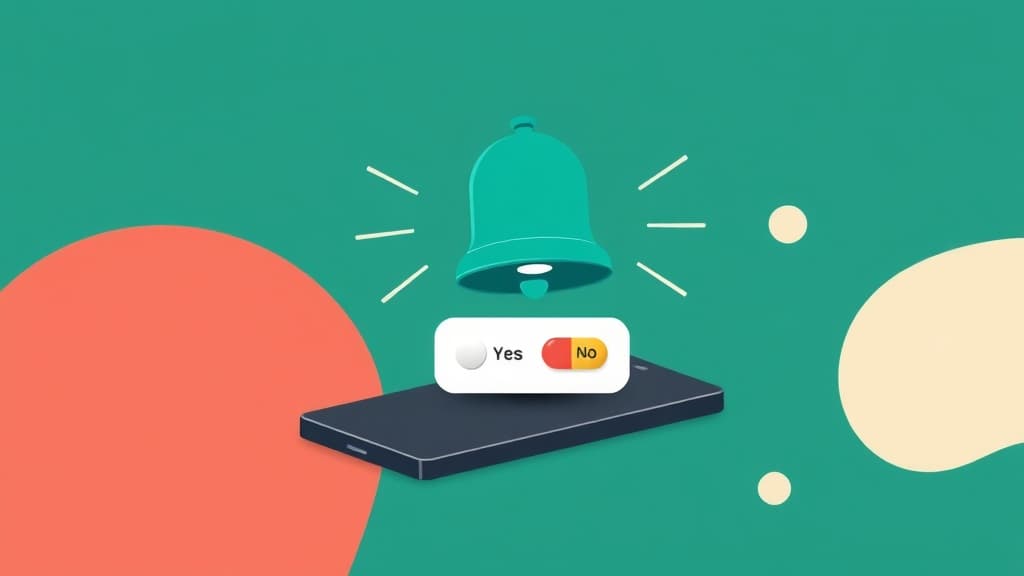
Show a branded pre-explanation before the native permission dialog. Then trigger it from the same flow.
Notifications
Stay on track
Workout reminders and milestone celebrations. You can change this anytime in Settings.
The system prompt is a one-shot resource
On iOS, and on Android since version 13, the notification permission dialog is effectively one-shot: once a user declines, you cannot show it again, and recovering them means convincing them to dig through system settings, which almost nobody does. Firing that prompt cold on first launch spends your single attempt at the moment of lowest trust.
The proven pattern is the pre-permission primer: your own screen, shown first, that names the specific notifications the user will get and ties them to something the user just did. Users who accept the primer accept the system prompt at very high rates, and users who decline it keep your one shot intact for a better moment.
Setgreet turns that pattern into a flow you can actually iterate: a branded primer screen, the native permission request triggered from the same flow, and outcome tracking so you can move the moment and rewrite the argument until the opt-in rate stops climbing.
What you can build
Native permission triggers
Request notification, location, camera, tracking, microphone, or photo library permissions directly from a flow. No custom code.
Pre-explanation screens
Branded screens that explain the benefit. Users who understand why are more likely to say yes.
Skip what is already granted
A primer can skip itself when the user already granted that permission, so returning users never explain themselves twice.
Outcome tracking
Track granted, denied, and permanently denied. Measure by segment and variant.
The one thing most teams miss
Ask after the user has felt value, not during first launch. A user who has already used the feature will see the permission as a tool, not a tax.
How it works
Pick the trigger moment
Ask when the user creates something worth being notified about: a goal set, an order placed, an alert enabled. Never on first launch, never stacked with other prompts.
Build the primer
A native screen that names the exact notifications and ties them to the user goal, with an honest not-now. Users who say yes here already decided.
Trigger the dialog and measure
The same flow fires the system permission request for accepters. Track the primer funnel and system grants by cohort, then iterate on timing and copy.
Frequently asked questions
Keep reading

Explore other use cases
Ready to get started?
Create your first flow in minutes. No credit card required.